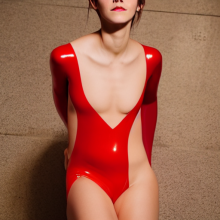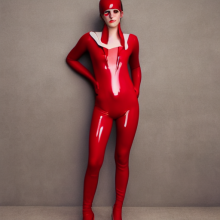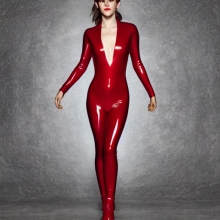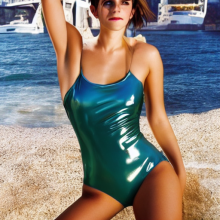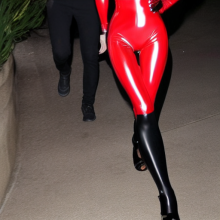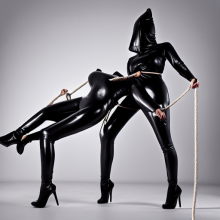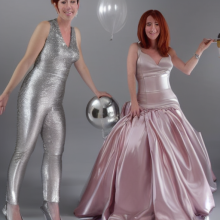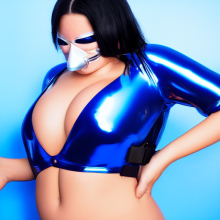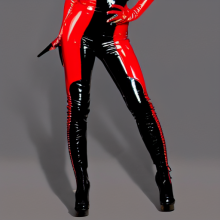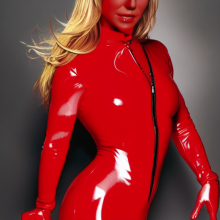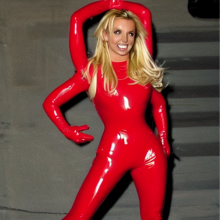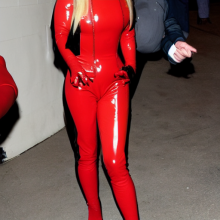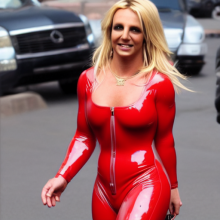
AI generated fetish images

327 Replies, 124240 Views

(20 Sep 2022, 01:41 )Like Ra Wrote: 4GB should work, but @Anne said, that 4GB is not enough.

They have tweaked it a bit and now 4 GB is sufficient to generate images from prompts (512x512)

Training requires way more it appears.

I have not tried embedding additional model packages, but googling "Stable Diffusion waifu" should point to the more popular ones.

(This post was last modified: 20 Sep 2022, 12:48 by Bound Whore.)
I spent all day installing Stable Diffusion on a pc with an AMD card (8GB), it was working but during generation my vram (8GB) and regular ram (16GB) filled up and the process crashed. I'll try again in a few months/years when I get my hands on an NVIDIA card.
For Mac M1/M2 users, Stable Diffusion got a lot easier but you need at least 16GB ram...
Just download and install DiffusionBee from https://diffusionbee.com
Be aware, the safety check of the generated pics is disabled. 

Sourcecode at https://github.com/divamgupta/diffusionb...ffusion-ui
This colab workbook lets you experiment without having to install anything: https://colab.research.google.com/drive/...QYo8kQRwRS


I got some interesting results...

 catsuit_01.png     catsuit_03.png     catsuit_04.png     catsuit_05.png     em_1.png     em_2.png     em_3.png     EW000.png     EW001.png     wtf_01.png     wtf_02.png     wtf_04.png     wtf_05.png     wtf_07.png   
(21 Sep 2022, 12:14 )Anne Wrote: This colab workbook lets you experiment without having to install anything:
Sounds interesting. Trying to understand how it works...
This appears to be the top of the line "run@home" version of Stable Diffusion right now.
Lots of features, easy to install and supposedly the best WebUI at this point.

Haven't tried it myself yet, I am still using the one from my original installation post, because I have set up a certain workflow I and feel quite comfortable with using the command line interface.

[url=

Source: https://www.youtube.com/watch?v=vg8-NSbaWZI
]Full installation tutorial.[/url]
(This post was last modified: 24 Sep 2022, 17:58 by Bound Whore.)
I'm trying this one: https://github.com/divamgupta/stable-dif...tensorflow

Made a Python virtual environment and installed it, it's slow as it uses the cpu instead of the graphics card. It has some ... interesting results 😕 Confused

 output_0.png     output_1.png     output_2.png     output_3.png     output_4.png     output_5.png     output_6.png     output_7.png   

I thought they maybe used a smaller set of weights but I got some similar results when trying out Stable Diffusion so it seems to be the real deal. Only text to image though, no upscaling / filling in / face changing ...
(25 Sep 2022, 13:45 )Anne Wrote: it uses the cpu instead of the graphics card.
Hm.... Why? Tensorflow should support both CPU and GPU. Or the model is converted to use CPU and the system RAM, to avoid GPU's VRAM shortage?
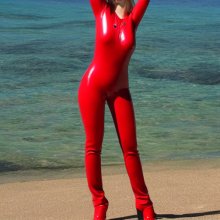
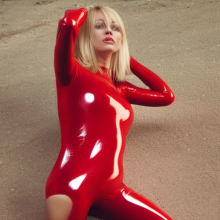
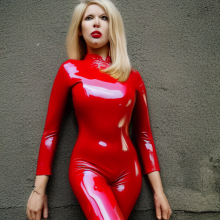
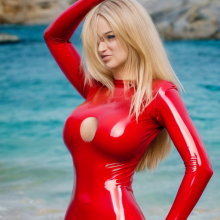
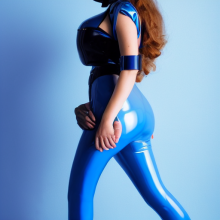
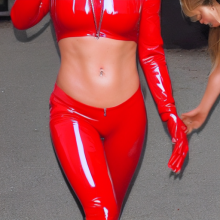
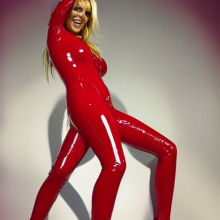
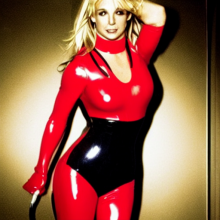
Speaking of red latex...

with a little added effort (running more variations until you're happy, replacing deformities with better parts from variations or some good ol'e manual photoshopping) these could be pretty convincing.


Attached Files Thumbnail(s)
 000028.1685420925.png     000028.525429089.png     000034.3049233903.png     000034.1140377478.png     000034.2085887491.png   
(This post was last modified: 25 Sep 2022, 18:15 by Bound Whore.)
(25 Sep 2022, 15:58 )Like Ra Wrote:
(25 Sep 2022, 13:45 )Anne Wrote: it uses the cpu instead of the graphics card.
Hm.... Why? Tensorflow should support both CPU and GPU. Or the model is converted to use CPU and the system RAM, to avoid GPU's VRAM shortage?

I get a message

Code:
tensorflow/stream_executor/platform/default/dso_loader.cc:64] Could not load dynamic library 'libcudart.so.11.0'; dlerror: libcudart.so.11.0: cannot open shared object file: No such file or directory
2022-09-25 20:08:11.783454: I tensorflow/stream_executor/cuda/cudart_stub.cc:29] Ignore above cudart dlerror if you do not have a GPU set up on your machine.

So I guess if I install Tensorflow for my AMD card I can use GPU acceleration but I only have 8 gigs VRAM and now running on cpu it takes about 14 gigs of RAM. That would confirm what I had last week: GPU acceleration working but not enough VRAM.

Edit: I'm setting num_steps to 5 or 10 instead of 50 and batch size on 1 to get a crappy image fast, if it has potential I set num_steps to 50 and generate a batch of 8. Generating 8 images takes about an hour.
(This post was last modified: 25 Sep 2022, 19:16 by Anne.)

Possibly Related Threads…
Thread Author Replies Views Last Post
  Is this [image] AI generated? FireDesire 17 3,210 16 Jan 2026, 13:08
Last Post: krypton85
Thumbs Up a few ai.generated Pantyhosepics pantyhosefreeeek 1 1,209 21 Apr 2025, 14:04
Last Post: pantyhosefreeeek
  AI images of African MILFs and old ladies in lycra MIWSTIUS 45 7,212 22 Mar 2025, 04:03
Last Post: MIWSTIUS